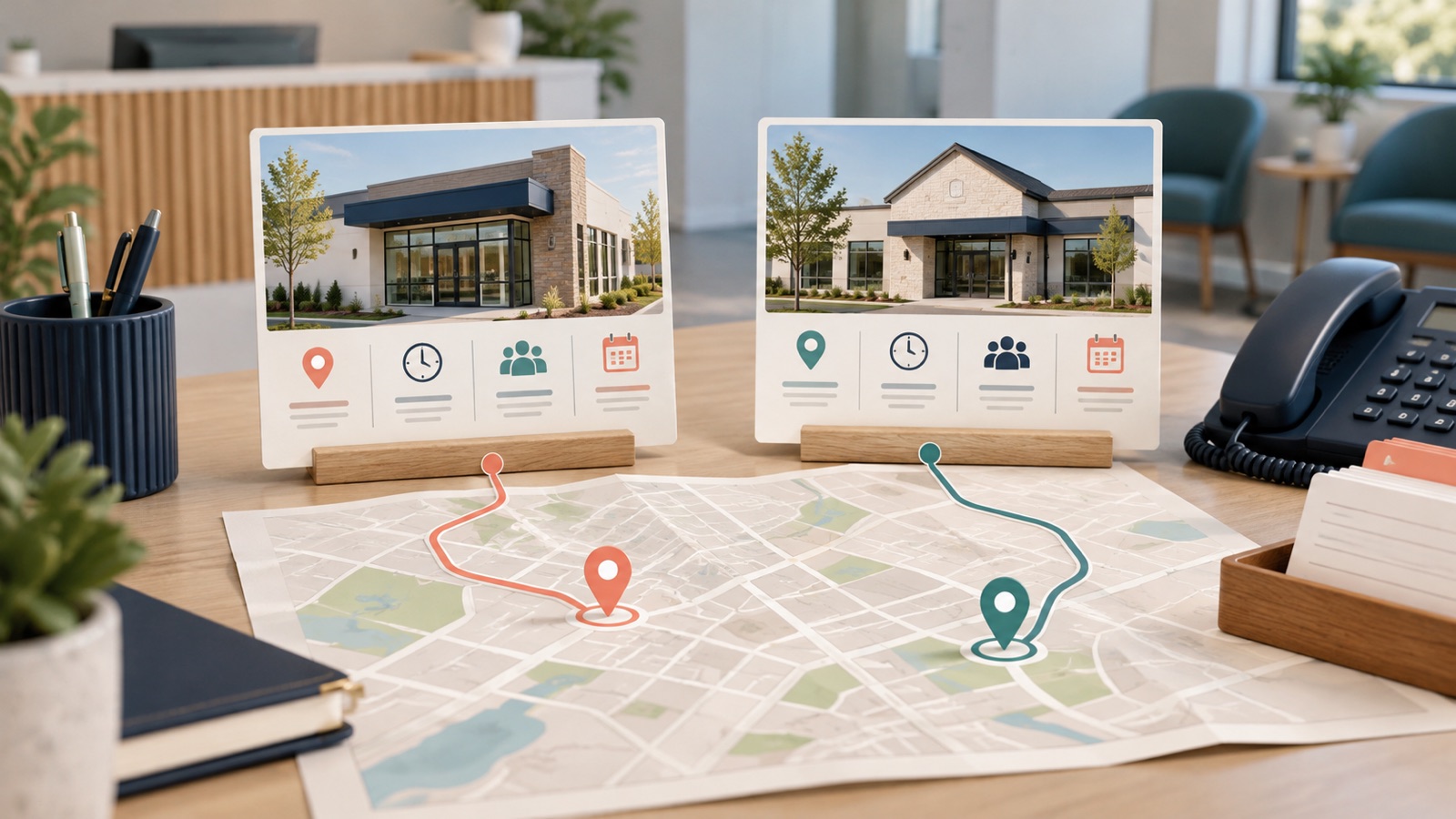
One location needs one clear public promise
A patient choosing between two offices needs practical differences, not a page built around a city keyword. Which dentists work there? What hours does that office keep? Which services can the team explain and schedule there? Where does an appointment request go?
Google's Business Profile guidelines say a business should not create more than one profile for each location. They also call for a precise real-world address, permanent signage when an address is shown and regular customer-facing hours. Read Google's Business Profile guidelines.
Give each dental location page a real job
A location page earns its place when it answers questions that differ by office. Use the location's confirmed contact details, access information, hours, team, available appointment route and approved service information. Add original photographs of that office when the practice has permission to publish them.
Do not copy one page, swap the city name and repeat the process across nearby communities. Google defines doorway abuse as creating substantially similar pages for specific queries that funnel visitors towards one usable destination. This is a search policy, not a statement that every similar page is spam. The useful distinction is whether each page helps someone complete a location-specific task. Review Google's spam policies.
- State the full practice address and the phone number that reaches that office.
- Name the dentists and team members only after the practice confirms their location and public role.
- Explain services at the level the location can support without making treatment or suitability promises.
- Send the appointment action to the correct office and make clear when it is a request rather than a confirmed booking.
- Assign an owner to update holiday hours, team changes and temporary availability.
Keep the website and Business Profiles aligned
Google recommends consistent names and categories across locations when they represent the same business and provide the same service. A location can use a different name only when that difference appears consistently in its real-world branding, website or stationery. The policy also has separate rules for public-facing individual practitioners.
That does not mean every field must be identical. Address, phone number, hours, photographs, appointment link and location page should describe the specific office. Check these fields against the website after any move, opening, rebrand or schedule change. A mismatch is a patient problem first. Someone may call the wrong office or arrive when the team is unavailable.
Use structured data only for facts on the page
Google's LocalBusiness documentation says to define each local business location separately and use the fully qualified URL for that location. The markup should match visible page information such as the name, address, telephone number and opening hours. Read Google's LocalBusiness documentation.
Do not add review ratings, services, opening hours or practitioner details simply because a schema field exists. Valid markup does not guarantee a rich result, and it cannot repair unclear or inaccurate page content. Start with the page a patient can read.
Check practice names and claims before launch
Professional and advertising requirements vary by province. In Ontario, the Royal College of Dental Surgeons of Ontario tells dentists to register a practice name and says website content should comply with its professional advertising guidance. Review the RCDSO practice setup guidance. Dental practices outside Ontario should use the guidance from their own regulator.
Canada's Competition Bureau also states that materially false or misleading representations used to promote a service or business interest are against the law. This article is not legal or regulatory advice. It is a reminder to have the responsible practice reviewer confirm location, title and service claims before publication. Review the Competition Bureau guidance.
Run a two-location check before buying more traffic
Choose two locations and compare the website pages, Business Profiles and appointment routes side by side. Mark every field that conflicts or sends both offices into an unclear shared process. Fix the first mismatch a prospective patient can actually encounter, then confirm the change on a phone.
Use the local dental visibility field guide for the review. The guide pairs naturally with dental SEO and local discovery and our article on why dental website visitors do not become appointments. The aim is simple: help the right person find the right office and reach the team that can respond.
Sources and scope
This article offers general marketing and operational information, not legal, privacy, regulatory or clinical advice. Rules vary by province, profession, channel and use case.
- Google Business Profile Help: Guidelines for representing your business on Google. Business names, categories, addresses, locations and individual practitioner profiles. Accessed 26 October 2026.
- Google Search Central: Spam policies for Google Web Search. Doorway abuse and substantially similar regional pages. Accessed 26 October 2026.
- Google Search Central: LocalBusiness structured data. Location-specific properties, scope and eligibility limits. Accessed 26 October 2026.
- Royal College of Dental Surgeons of Ontario: Information on new practice setup and changing practice locations. Ontario scope. Accessed 26 October 2026.
- Competition Bureau Canada: Misleading representations and deceptive marketing practices. General Canadian guidance updated in 2026. Accessed 26 October 2026.

AKIERO Team
AKIERO editorial teamDental practice growth analysis from AKIERO's strategy, marketing and operations team.